characters brought to life
A structured path through 3D character modelling and animation — from your first polygon mesh to a production-ready rigged character you can actually use.
what the program covers
six modules, one complete pipeline
Each module builds directly on the previous one. Spend the first weeks understanding mesh topology and why it matters for animation — bad topology breaks rigs, and you'll see exactly how before it becomes a habit. From there, the curriculum moves into sculpting organic shapes in ZBrush, retopology for game-ready counts, UV unwrapping, texturing in Substance Painter, rigging and skinning in Maya, and finally keyframe animation with exported FBX deliverables.
- 1
Polygon modelling foundations Box modelling workflow, edge loops, quads-first methodology in Blender and Maya.
- 2
Organic sculpting in ZBrush DynaMesh, ZRemesher, and surface detail — from rough blockout to fine skin texture.
- 3
Retopology and UV layouts Manual retopology for deformation, UV seam placement for minimal texture distortion.
- 4
Texturing in Substance Painter PBR material layers, smart masks, baked lighting — building readable, production-spec textures.
- 5
Rigging and skin weighting Joint placement, weight painting by hand, corrective blend shapes for shoulder and hip.
- 6
Keyframe animation and export Walk cycles, anticipation, follow-through — delivered as FBX for game engines or film pipelines.
the people teaching this
Three practitioners who work in production and teach from real project experience — not from a prepared script.
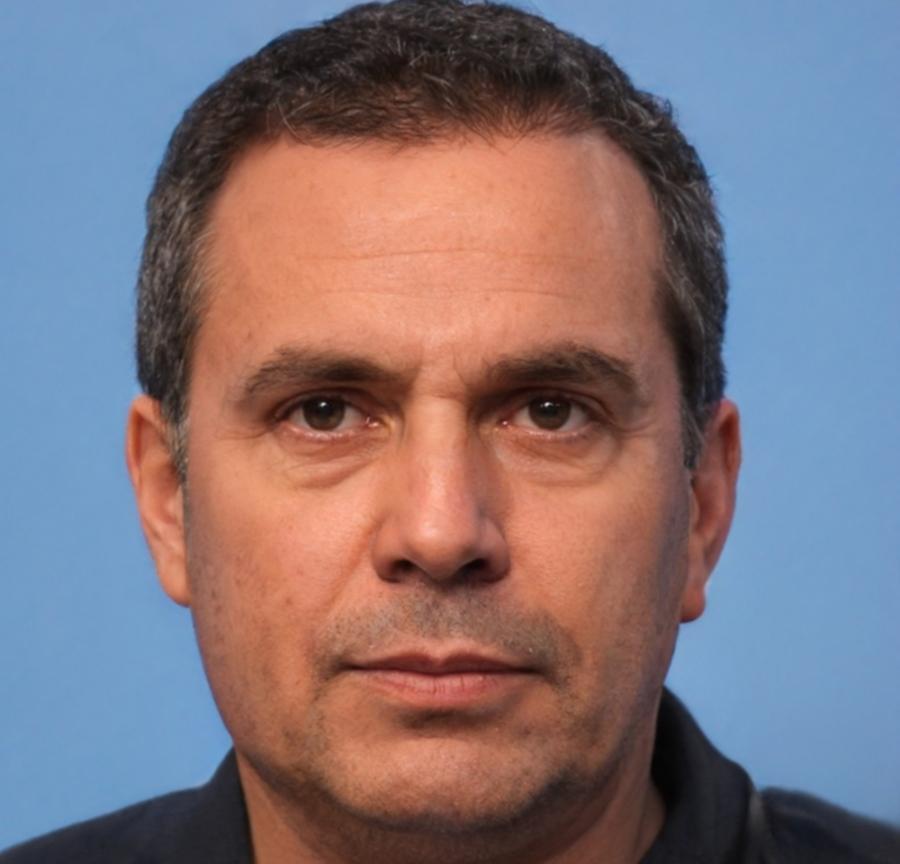
Tarquin Belsey
lead modelling instructor
Spent eight years doing character work for animation studios. Teaches topology and sculpting with a focus on catching the mistakes that show up at the rigging stage — not after.
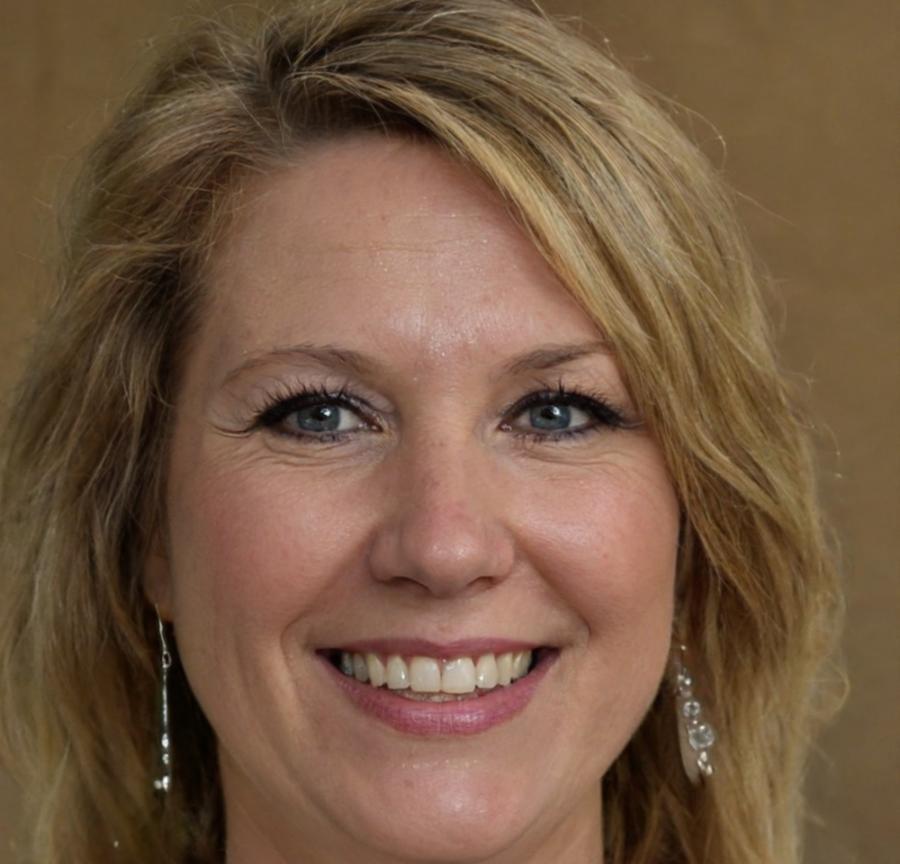
Verity Okafor
texturing and shading
Covers Substance Painter and PBR workflows. Verity pushes students to understand why materials behave the way they do under different lighting setups, not just how to apply presets.
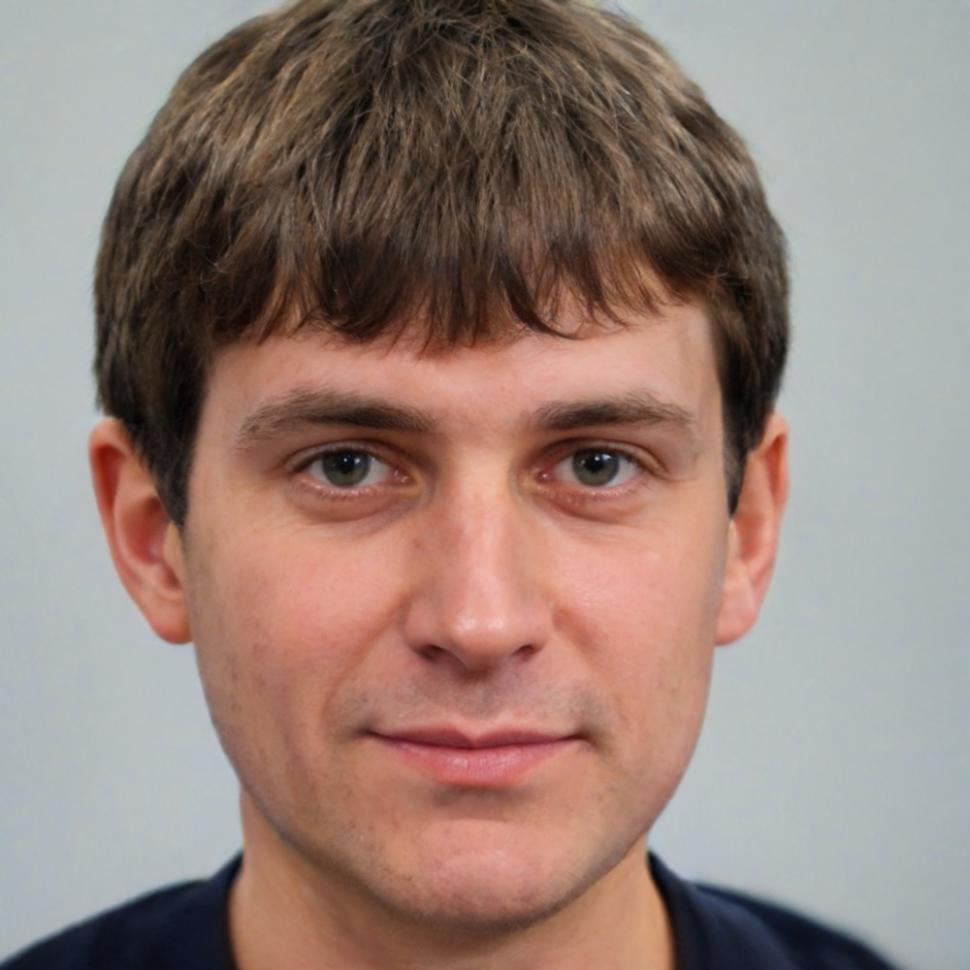
Remy Valkenburg
rigging and animation
Worked on rigging pipelines for a game developer before joining Sabundelor as an instructor. Covers joint placement, skin weighting, and animation with an emphasis on what actually ships in games.
how you get there
The program runs over 24 weeks with live sessions twice a week. Each phase ends with a reviewed assignment — feedback is written and direct, not just a grade.
watch, then do
Each topic opens with a recorded demonstration, then you work through the same problem in your own file. Instructors review your mesh or rig during the live session — not in the abstract.
module assignments with written critique
At the end of each module you submit a deliverable — a model, a UV layout, a weight paint, a short animation clip. You get written notes on what works and what doesn't, with specific corrections.
community of people doing the same work
Students share WIP files in a shared Discord channel. Seeing how others approach a retopology problem or a weight paint issue is part of the learning — as useful as the formal sessions.
a portfolio piece you made yourself
The final project is a fully rigged, textured, and animated character — yours to keep and show. It won't happen automatically; it takes the full 24 weeks of consistent work. But it's a real, usable piece, not a classroom exercise.